/logo.webp)
AI動画・絵コンテプロンプト:コピー&ペーストできる10のテンプレート(2026)

AI video prompt や storyboard prompts を検索している人は、すでにシーンを持っています。カバレッジの講義は要りません。欲しいのは、画像や動画モデルに貼れるパック——ショットサイズ、カメラ、ライティング、被写体、ネガティブライン——であり、モデルがムードボードを発明するのではなく、フレームを描くように書かれたものです。
これは、ディレクションされた3D絵コンテとは別の仕事です。絵コンテの1コマは、StudioBinderのショートフィルムガイドが言うように、構図・アクション・カメラワーク・音・脚本の行に答える必要があります。AIのビジュアルプロンプトが答える集合はもっと小さい——レンズが何をしているか、光が何をしているか、誰がフレームにいるか、何が出てはいけないか。二つを混ぜると、モデルが撮れないコマか、クルーがボードにできないプロンプトになります。
このページは、コピー&ペーストできる10のルールと、完成シーンテンプレート6本です。各Tipsにはそのまま盗めるブロックがあります。1シーンから3パック欲しいときは、シーンをDramaSoの脚本ビジュアルプロンプト生成に貼ってください。
目次
- 「cinematic, epic」が絵コンテプロンプトではない理由
- AI動画プロンプトが本当に使うスロット
- コピー&ペーストできる10のTips
- シーンテンプレート6本
- 空虚なプロンプト vs 貼れるプロンプト
- コピーしたあと:DramaSoでパックを生成する
- よくある質問
「cinematic, epic」が絵コンテプロンプトではない理由
空虚な形容詞はカメラを指定しません。「Cinematic」は85mmのクローズアップでも、24mmの屋上でもあり得ます。モデルはランダムに一つ選び、カバレッジが崩れます。
使えるAI動画プロンプトは、カメラオペレーターが言うようにショットを名指しします。サイズ、レンズ感、被写体の位置、光、除外するもの。Boordsのショットサイズ早見が語彙です——ワイド、ミディアム、クローズアップ、POV、トラッキング——「epic」ではありません。
縦型ショートドラマは、もう一つロックを足します。9:16。16:9向けに組んだ構図は、クロップすると死にます。スマホのフィード向けなら、プロンプトの一行目で縦型と言わなければなりません。
実務ルール: レンズ、光、ネガティブを指差せないなら、書いたのは雰囲気であってプロンプトではありません。
AI動画プロンプトが本当に使うスロット
表を埋めて、それから貼る。原則文に書き直さないこと。
| スロット | ここに埋める | アンチ例 |
|---|---|---|
| Shot | close-up / medium / wide / tracking / POV | “cinematic coverage” |
| Camera | レンズ感、被写体配置、9:16 | “beautiful camera work” |
| Lighting | 光源一つ、色一つ、時間帯一つ | “dramatic lighting” |
| Subject | 誰、衣装、小道具一つ | “a stunning character” |
| Setting | 場所一つ、実用光一つ | “an epic location” |
| Negative | ロゴ、余分な人、横長、ビューティーブラー | (空欄) |
| Duration | 4〜8秒のホールド、または二ビートの動き | “a full scene” |
生成ツールはローカルバンクから同じスロットを埋めます——クリックごとに3パック、まとめてコピー:
スクリーンショット:DramaSo 脚本ビジュアルプロンプト生成
貼れるAI動画プロンプトは1コマ分です。ショット、光、ネガティブ。下のクリップは、同じ解剖を現場側で見たものです。
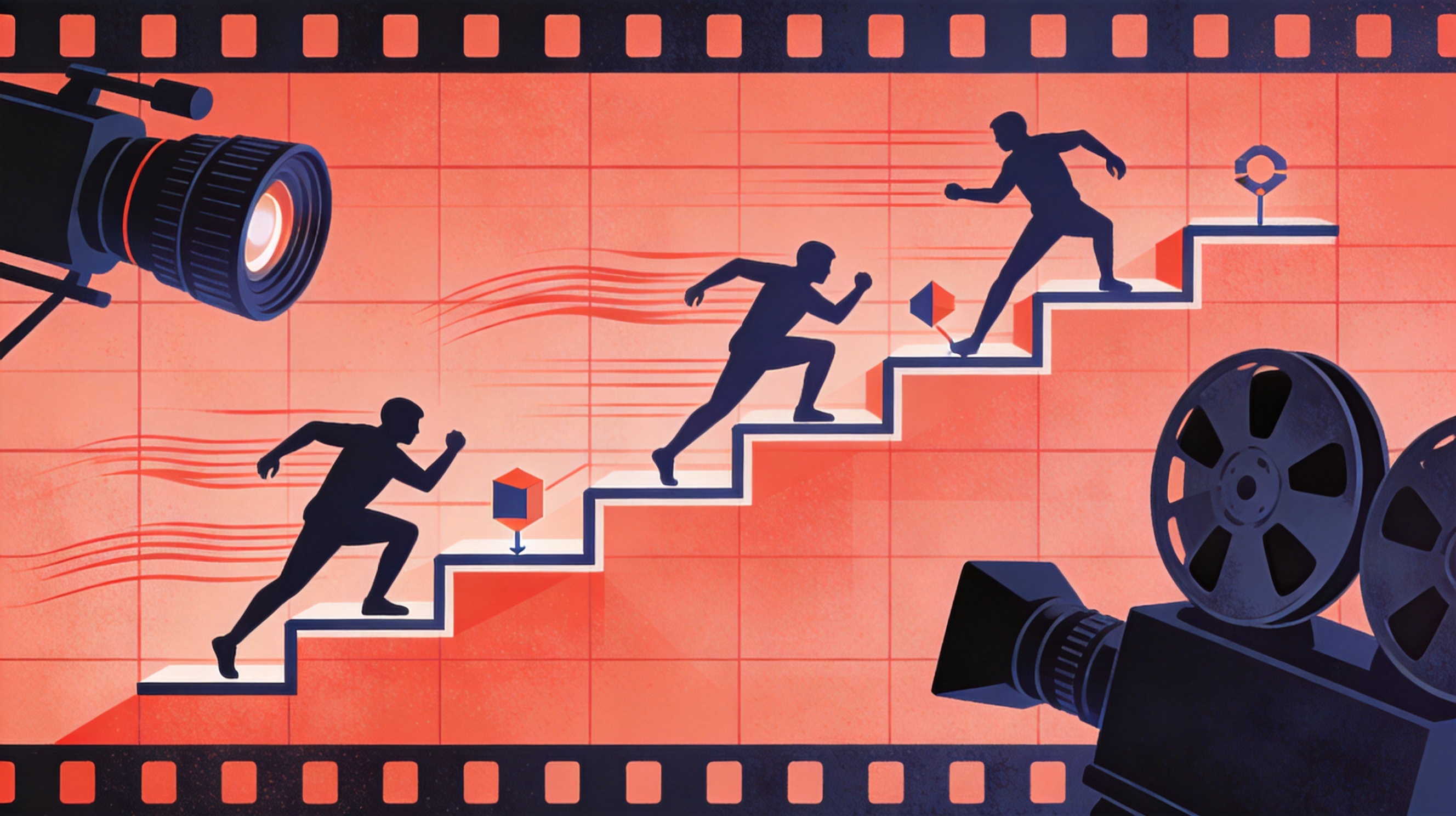
スクリーンショット:DramaSo絵コンテ参考
実務ルール: プロンプト1本につきショット1つ。構図が三つ要るなら、パックを三つ生成する。
コピー&ペーストできる10のTips
各Tipsは完成ブロックです。アンチ例は、同じ意図を空虚な形容詞で書いたもの。DramaSoでは脚本ビジュアルプロンプト生成を開き、ショット/ライティング/ムードを選び、シーンがあれば貼ってください。
1. ムードではなく、ショットサイズから入る
一行ルール:サイズのないムードはポスターであり、ボードではありません。
Close-up, 85mm feel, eyes sharp, background melted, vertical 9:16.
Subject: a woman in her late twenties in a rumpled rehearsal coat.
Do not start with "cinematic" or "emotional."アンチ例:A cinematic, emotional portrait of a woman.
DramaSoでの使い方:まずクローズアップチップを選ぶ。バンクはすでにレンズ感を英語で書きます。
2. 光は一つ名指しする
一行ルール:名のない光が二つあると、既定のビューティーセットアップになります。
Lighting: one practical. A rainy bus stop under one yellow bulb.
No fill, no rim, no studio softbox unless you name it.
Skin texture visible. Vertical 9:16.アンチ例:Dramatic cinematic lighting.
DramaSoでの使い方:golden-hour / neon-night / overcast / studio / candle を選び、対応する行を残す。貼ったプロンプトにライティングチップを二つ重ねないこと。
3. 被写体は形容詞ではなく、一文で書く
一行ルール:「beautiful girl」はキャスティングできません。
Subject: two leads facing each other across a narrow kitchen.
Wardrobe: practical street clothes, one accent colour only.
One prop on the table between them. No extra extras.アンチ例:Stunning characters with amazing chemistry.
DramaSoでの使い方:シーンを貼ったなら、被写体行がシーンの人物と一致しているか確認する。三人目を発明したパックは捨てる。
4. 一行目で9:16をロックする
一行ルール:モデルは横長ポスターを既定にします。
Vertical 9:16 only. Faces and hands in the centre third.
No 16:9, no square, no letterbox.アンチ例:Widescreen cinematic frame.
DramaSoでの使い方:生成パックはすでに縦型と書きます。別ツールに貼るときは、この行も一緒に持っていく。
5. よくある失敗を名指しするネガティブを書く
一行ルール:空のネガティブは、ロゴと余分な腕の入り口です。
Negative: no logos, no extra people, no landscape, no beauty blur, no text overlay, no watermark, no extra fingers, no deformed hands.アンチ例:(ネガティブなし)
DramaSoでの使い方:生成結果はすでにネガティブラインを返します。パックをコピーするとき残すこと。「簡略化」のために消さない。
6. プロンプトにつき動きは一つ
一行ルール:ドリー+ラック+ウィップパンは、ショット三本です。
Camera move: slow push-in, 35mm feel, 4 seconds, then hold.
No tilt, no pan, no cut inside this prompt.
If you need a second move, write a second prompt.アンチ例:Dynamic camera, lots of movement.
DramaSoでの使い方:本当に動きが欲しいときだけトラッキングを選ぶ。静止画ならクローズアップ/ミディアム/ワイド。
7. プロンプトを脚本の一ビートに合わせる
一行ルール:「キッチンの口論全体」はシーケンスであり、フレームではありません。
This prompt covers ONE beat: she puts the cracked phone on the table and does not look up.
Do not ask the model for the whole scene, the reaction, and the reverse.アンチ例:Storyboard the entire argument in one image.
DramaSoでの使い方:ボードにしているビートだけ貼る。シーン用に1パックではなく、三ビートに三パック生成する。
8. 衣装はわざと地味に保つ
一行ルール:衣装のノイズは連続性を壊します。
Wardrobe: a dark coat over a pale shirt, no logos.
Same coat in every prompt for this character.
Do not change colour grade between shots of the same scene.アンチ例:Fashion-forward, stunning outfit.
DramaSoでの使い方:衣装行を次のパックへコピーする。連続性は貼る仕事であり、願う仕事ではありません。
9. 音が何ではないかを書く
一行ルール:動画モデルはスコアを発明します。
Picture only. No on-screen lyrics, no karaoke captions, no big title card.
If dialogue is needed, it lives in the script, not in the frame.アンチ例:Add powerful music and titles.
DramaSoでの使い方:これらのパックは静止画と動画クリップ用です。セリフは脚本ドキュメントに残す。話し言葉側はショートドラマ脚本の構造を参照。
10. ミュート縦型再生向けにフレームを書く
一行ルール:ボイスオーバーがないと通じない絵コンテは、Shortとして失敗します。
The picture must explain the beat with sound off.
Put the action in the centre third. Captions optional, max 6 words, not a paragraph.アンチ例:The voice-over will explain it.
DramaSoでの使い方:生成された被写体行が説明の段落を必要とするなら、それはショット二本です。分ける。
シーンテンプレート6本
各テンプレートは、そのまま貼れるパック1本です。被写体だけ差し替え、カメラ・光・ネガティブはそのまま。
クローズアップ:ひび割れたスマホ、雨
Close-up, 85mm feel, eyes sharp, background melted, vertical 9:16.
Subject: a teenage boy holding a cracked phone, rain on the glass.
Lighting: overcast, window behind him, no beauty blur.
Setting: a school corridor after the bell, lockers half-open.
Negative: no logos, no extra people, no landscape, no text overlay, no watermark.
Hold 4 seconds. Picture only.
ミディアム・ツーショット:キッチンの口論
Medium two-shot, 35mm feel, both faces readable, vertical 9:16.
Subject: two leads facing each other across a narrow kitchen. One accent colour only.
Lighting: fluorescent overhead, slightly green, no fill.
Prop: a cracked phone on the table between them.
Negative: no extra extras, no logos, no beauty blur, no 16:9.
One beat only: she does not look up.
ワイド:夜市の路地
Wide establishing, 24mm feel, full body plus architecture, vertical 9:16.
Subject: a woman in a rumpled rehearsal coat, small in the lower third.
Setting: a cramped night-market alley, steam in the air.
Lighting: neon-night, one stall light, wet pavement.
Negative: no logos on signs, no extra hero, no landscape crop, no watermark.
This is the geography shot. Do not ask it to also do the close-up.
トラッキング:タクシーの窓
Tracking, slow lateral, 35mm feel, 4-second move then hold, vertical 9:16.
Subject: an older man in a taxi back seat, city lights streaking past.
Lighting: neon-night mixed with cab interior practical.
Wardrobe: dark coat, pale shirt, no logos.
Negative: no driver hero shot, no extra passengers, no 16:9, no text.
One move only. No whip-pan.
POV:午前2時のコンビニ
POV, phone-height, hands at the edge of frame, vertical 9:16.
Setting: a fluorescent convenience store at 2 a.m.
Action: reaching for a bottle in a fridge, condensation on the door.
Lighting: overhead fluorescent, hard, no beauty.
Negative: no face, no logo soup on packaging, no extra shoppers, no landscape.
This is a POV insert, not a talking-head.
屋上ホールド:片方が視線を外す
Wide rooftop, sky taking the top third, figures on the lower third, vertical 9:16.
Subject: a couple on a rooftop, one looking away.
Lighting: golden-hour backlight, slight flare allowed, no studio fill.
Wardrobe: silk at the neck, everything else matte.
Negative: no extra crowd, no city-name titles, no 16:9, no watermark.
Hold. No drone move unless you write a second prompt.
実務ルール: 被写体の名詞を差し替える。カメラ行まで書き直す必要があるなら、欲しかったのは新しい形容詞ではなく、別のショットチップでした。
空虚なプロンプト vs 貼れるプロンプト
| 空虚 | 貼れる |
|---|---|
| “Storyboard this scene, cinematic” | 上のクローズアップテンプレ |
| “Make it look like a movie” | ショットサイズ+光一つ+9:16 |
| “Add camera movement” | 名指しの動き一つ、4秒 |
| “Keep it clean” | ロゴと余分な人を名指しするネガティブ |
トーキングヘッド広告が欲しくてカメラパックではないなら、それはUGCプロンプトであり、このページではありません。ディレクションされた3DボードはDramaSoの絵コンテツールにあります——これらのパックはプロンプトを受け取るモデル向けであり、手でディレクションするステージ向けではありません。
コマの技術(アクション矢印、ショットリスト、サムネイル)はショートフィルムの絵コンテの作り方へ。このページは、それらのコマが前提とする、貼れるビジュアル行だけを書きます。
コピーしたあと:DramaSoでパックを生成する
三ステップです。
- テンプレートを1本コピーするか、シーンのビートを貼る。
- 脚本ビジュアルプロンプト生成を開く。ショット、ライティング、ムードを選ぶ。
- パックを3本生成する。まとめて画像/動画ツールにコピーする。ネガティブは残す。
生成はブラウザ内で動きます——アカウント不要、何もアップロードしません。英語出力は意図的です。モデル向けプロンプトは、ページの文言が何語でも英語で書かれます。
ビートが絵ではなく冒頭フックなら、UGCプロンプト生成かショートドラマのフック公式に切り替えてください。
よくある質問
AI動画の絵コンテプロンプトとは何ですか?
1フレームまたは短いクリップ1本向けの、貼れるパックです。ショットサイズ、カメラ、ライティング、被写体、場所、ネガティブ。完成した絵コンテ文書でも、完成エピソードでもありません。
UGCプロンプトとの違いは?
UGCプロンプトは15秒のクリエイター向けブリーフ(フック、ビート、CTA)。AI動画/絵コンテプロンプトはカメラパック。広告はUGCプロンプト。シーンの静止画はこのページ。
どの画像・動画モデルにも貼れますか?
はい。プレーンな英語です。9:16とネガティブは残すこと。「8k masterpiece」は、静止画と戦いたくない限り足さない。
なぜクリックごとにプロンプトが3本なのですか?
1シーンには通常、クローズアップ、ミディアム、ワイドが要ります。3パックのほうが「cinematic」の一行に勝ちます。それが脚本ビジュアルプロンプト生成の返り値です。
アカウントは必要ですか?
いいえ。生成は無料、ブラウザ内、プライベートです。
シーン全体を1プロンプトでボードすべきですか?
いいえ。プロンプト1本につきビート1つ。リバースとインサートは別パックで生成する——別コマを描くのと同じです。
このシリーズの他の記事
「AI ショートドラマの作り方」の記事 15 本をすべて見る →