/logo.webp)
How to Turn Text into an Animation You Can Play

As of 27 September 2026, the clips going around are easy to misread. They look like video. They are animations made from a sentence, not an exported video file.
The awesome-opus5-5-videos notes say to hand the picture you want to Claude Opus 5.5 and take back one animation page. Open it and it plays. Record the page later if you need a video file.
A still from the short-drama desk is a different path. This frame is a short-drama still, used as a contrast. It is not the animation this step returns.
DramaSo follows that use. It does not paste the description into Seedance.
What you get
You get one animation page. Inside it: graphics, vectors, styles, or a 3D scene. Motion runs on the browser clock. The file format is HTML.
DramaSo plays it in an isolated window. The animation can run, and it cannot read the login. If you want a file, download the animation page.
Practical rule: Watch whether the animation is moving. If it is, this step is done. An MP4 is a different job.
The longer version is on text to animation.
Why only members can press it
Claude Opus 5.5 on the Vercel AI Gateway is listed at $4 per million input tokens and $20 per million output tokens. A full animation plus thinking is not a cheap text call.
So the step is only for a current DramaSo Pro or Studio member. A free account is rejected before the call and sees pricing. Members hold a slice of the monthly pool first. When the pool is empty, the wallet pays the same amount. The button shows the current number.
Storyboards still belong to the short-drama desk. This cover is from that workflow, not from this generation.
Practical rule: A free account is not quietly switched to a cheaper model. The server refuses before the call.
It is also absent from the ordinary summarizer picker. Only this animation path uses it.
A different door from the short-drama desk
A short drama is still a script, a board, and shots. That door is the AI drama generator. The walk from script to episode stays on that desk.
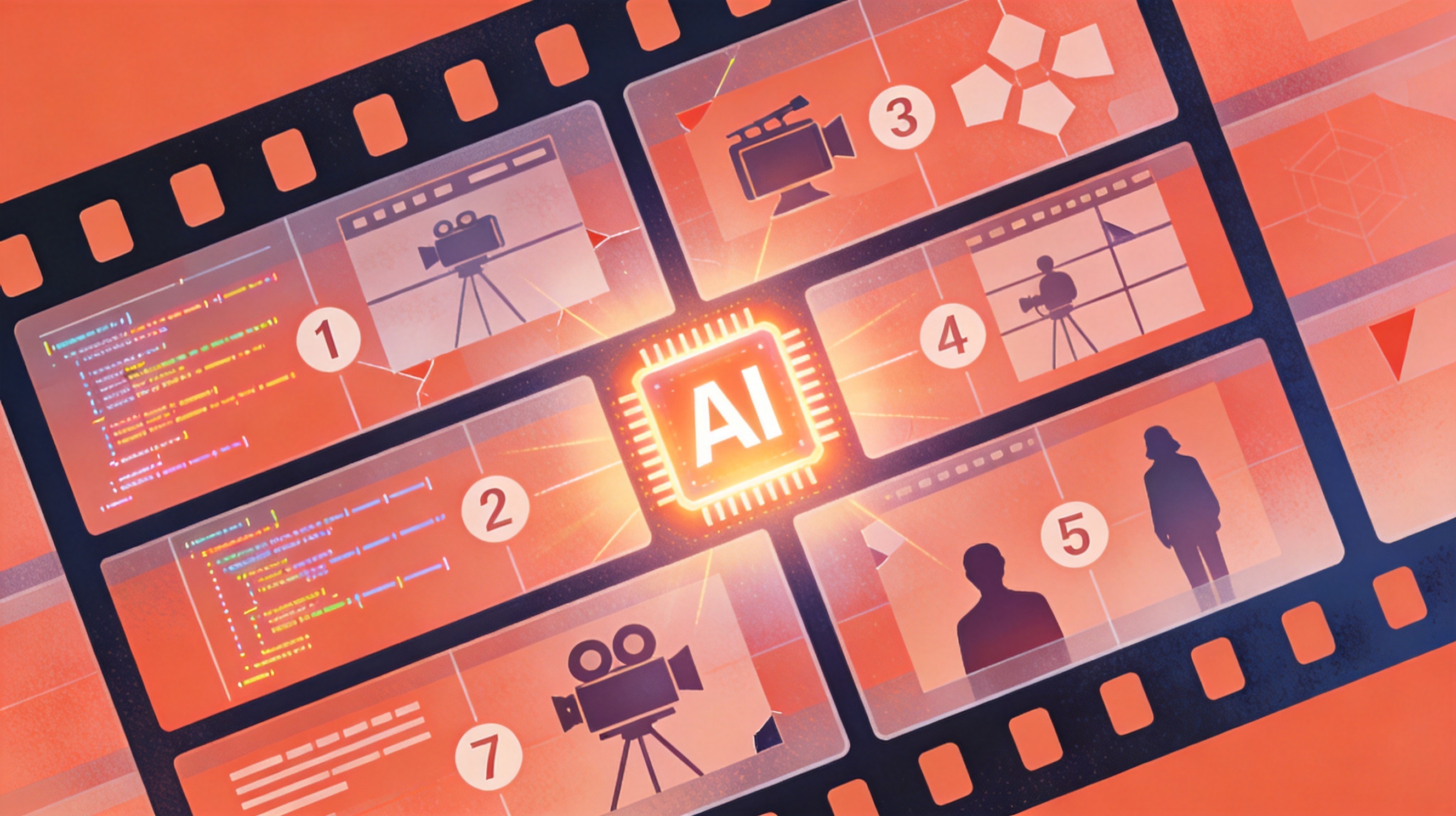
Text to animation is the other job: one sentence becomes an animation you can play. Do not fold both jobs into one click.
Practical rule: A vertical episode uses the short-drama desk. An animation you can play right away uses text to animation.
Carry a description across from an effect card
Effect cards in the prompt library can carry a description across. The button says “Make a playable animation”. That click does not send the description to Seedance.
When one person is making both, the first job is to know which object is in hand: a script, or an animation. This cover is from the one-person studio article.

After sign-in, the description is still there. The membership check runs when generation is pressed.
What is not here yet
Recording the playing animation to an MP4 is not wired up. The file you can take today is the animation page.
Open text to animation as a member.
Popular guides
More in this series
- Gemini Omni 1.1 Flash for Short Drama: Keep the Lead Across the Cut
- How to Turn a Script into a Short Drama with Script-to-Video AI
- Short Drama Storyboard from a Script (9:16 Shot Table)
- AI Video Storyboard Prompts: 10 Copy-Paste Templates (2026)
- How to Keep Characters Consistent in an AI Short Drama
View all 19 articles in Making AI Short Dramas →