3D scenes
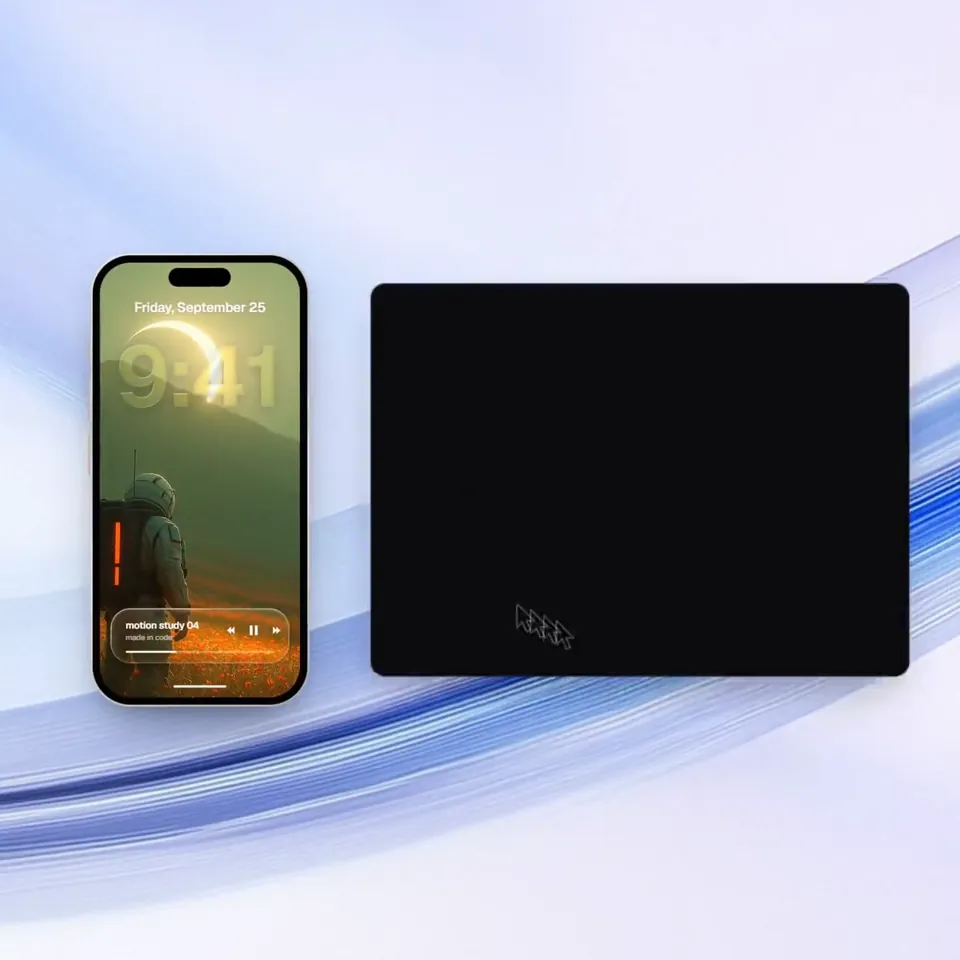
Using the linked Figma frame build a badge unlock screen.
Using the linked Figma frame build a badge unlock screen.. Reference film by @BThreeAgency, code-rendered with Claude Opus 5.5, not a Seedance render.
Creator’s film
This clip is the creator’s code animation from Claude Opus 5.5, hosted on Skillry, not a Seedance render of the prompt below. The prompt keeps their idea and turns it into a Seedance 2.5 shoot you can run in DramaSo studio.
BThreeAgency @BThreeAgency · awesome-opus5-5-videos · Skillry
How Opus 5.5 turns text into animation
Prompt
Seedance 2.5. 16:9.
Shoot this as a film. Keep the subject, the motion, and the rhythm. No HTML, no source code, no editor chrome.
拍成片子。保住主体、运动和节奏。不要 HTML,不要源代码,不要编辑器界面。

Original brief from @BThreeAgency / 原提示:
Using the linked Figma frame build a badge unlock screen. Match the design exactly. Use the file's assets, lighting, type and layout and add only the motion. Animate the badge so it feels premium and celebratory. Build its scene and then celebrate with gold particles. Treat the badge as a solid 3D object that tilts toward the
cursor following the rules of physics. Keep it fast and smooth, it should not be bouncy.